
Documentation Index

Fetch the complete documentation index at: https://plera.co/docs/llms.txt

Use this file to discover all available pages before exploring further.

A Sequence is where the Run becomes launch-ready. You choose enriched lead sources, attach a strategy profile, generate message previews, review readiness, and approve the messages that can send.

Build the sequence

  • Go to the Run’s Sequences page.
  • Click Create sequence.
  • Name the sequence.
  • Select the strategy profile.
  • Choose the eligible source groups that should enter the sequence.
  • Create the sequence and open the Messaging Lab.
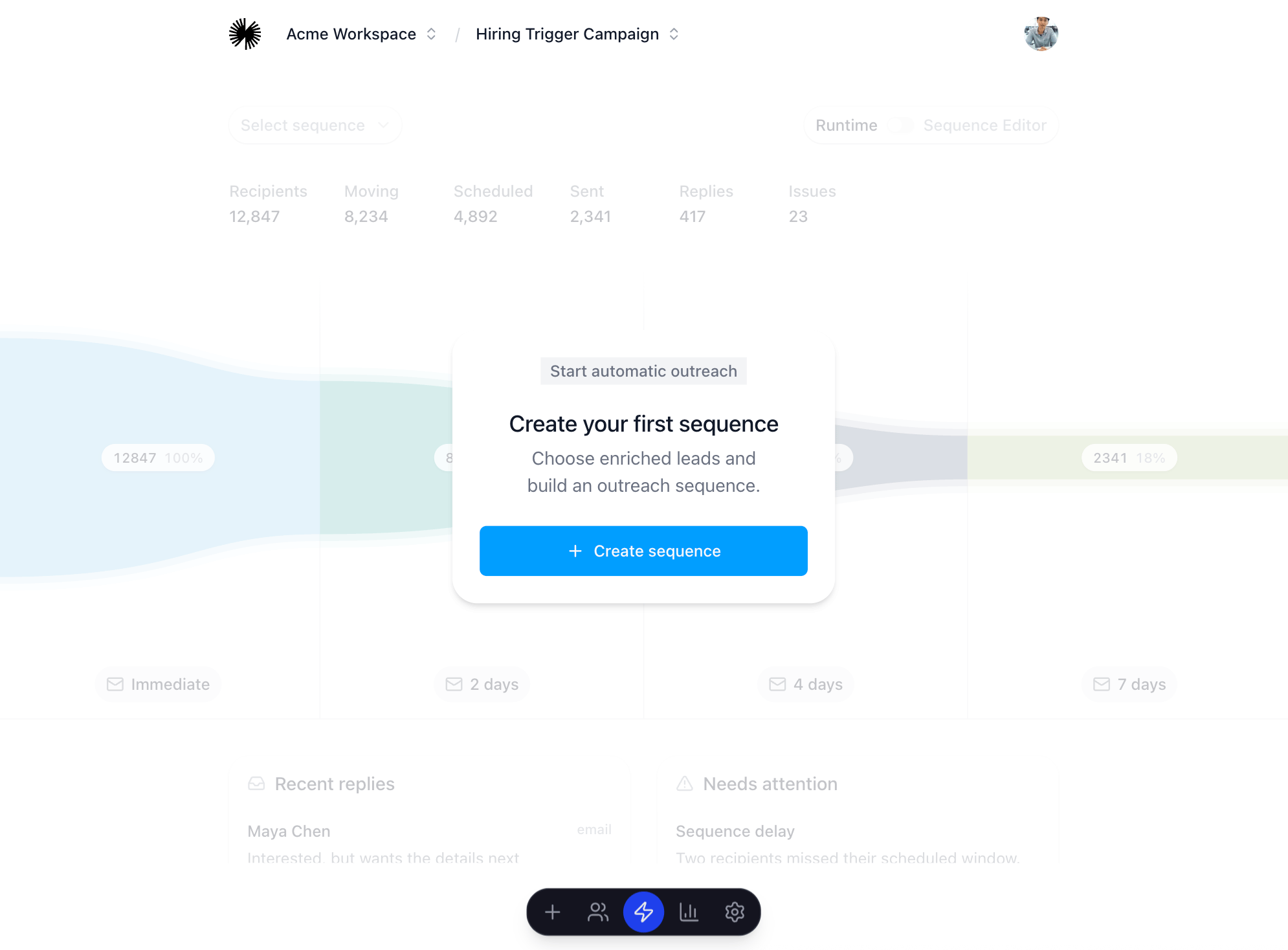
Placeholder for sequence builder

Review before launch

  • Generate previews before approving messages.
  • Check lead fit, message accuracy, channel coverage, and sender readiness.
  • Resolve launch blockers shown in the readiness panel.
  • Approve the messages that are ready to send.
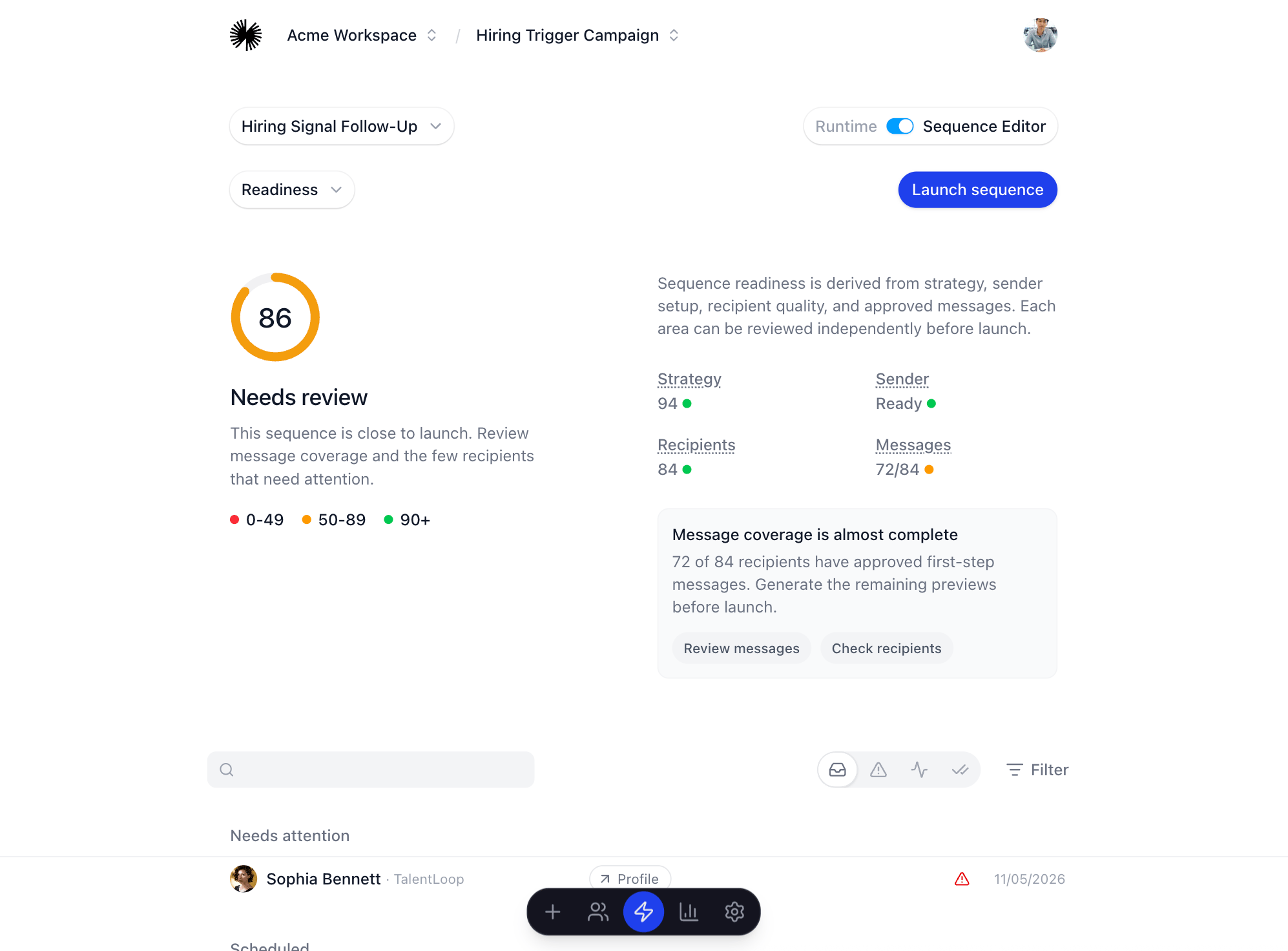
Placeholder for Messaging Lab review

Before you continue

You are ready to launch when the readiness panel is clear, required messages are approved, and the selected sending accounts match the sequence channels.