

Launch
- Open the sequence in the Messaging Lab.
- Select the connected sending accounts required by the sequence.
- Confirm launch readiness is clear.
- Click Launch sequence.
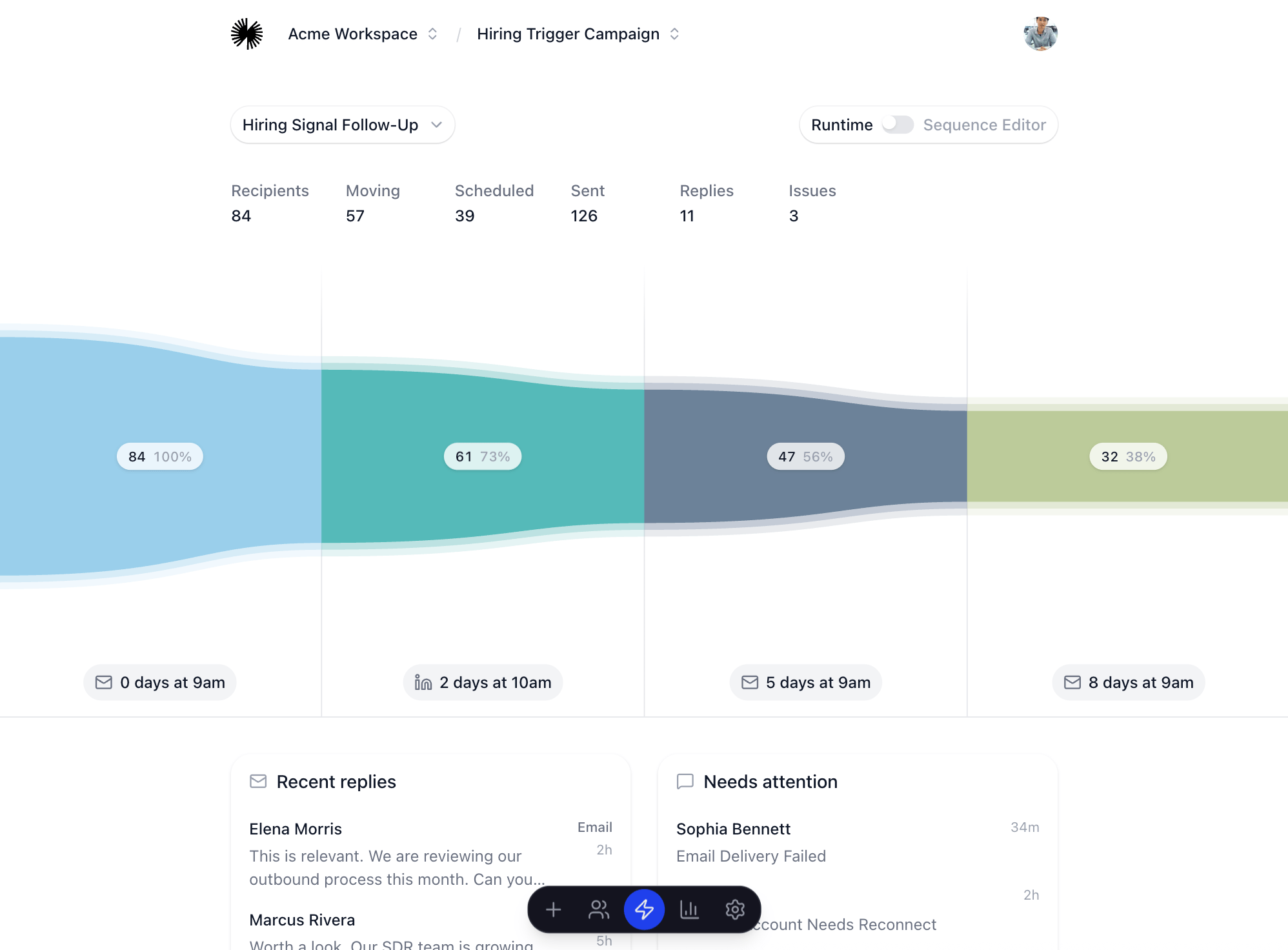
After launch, watch
- Replies: new conversations and stopped follow-ups.
- Issues: failed sends, skipped leads, missing account access, or credit problems.
- Sequence movement: how many recipients are moving, scheduled, sent, or waiting.
- Analytics: reply rate, stuck stages, and patterns that should change before scaling.