A Play is the executable outreach strategy for a Run. It determines the channel mix, sequence shape, enrichment fields, fit checks, and the kind of lead and message work Plera will help you run.

How to choose

  • Start from the workspace home screen, where the Play Library is shown.
  • Filter or scan for the goal and relationship state that match the audience you want.
  • Open the Play detail to review the sequence shape and channels.
  • Click Create run with play and name the Run.
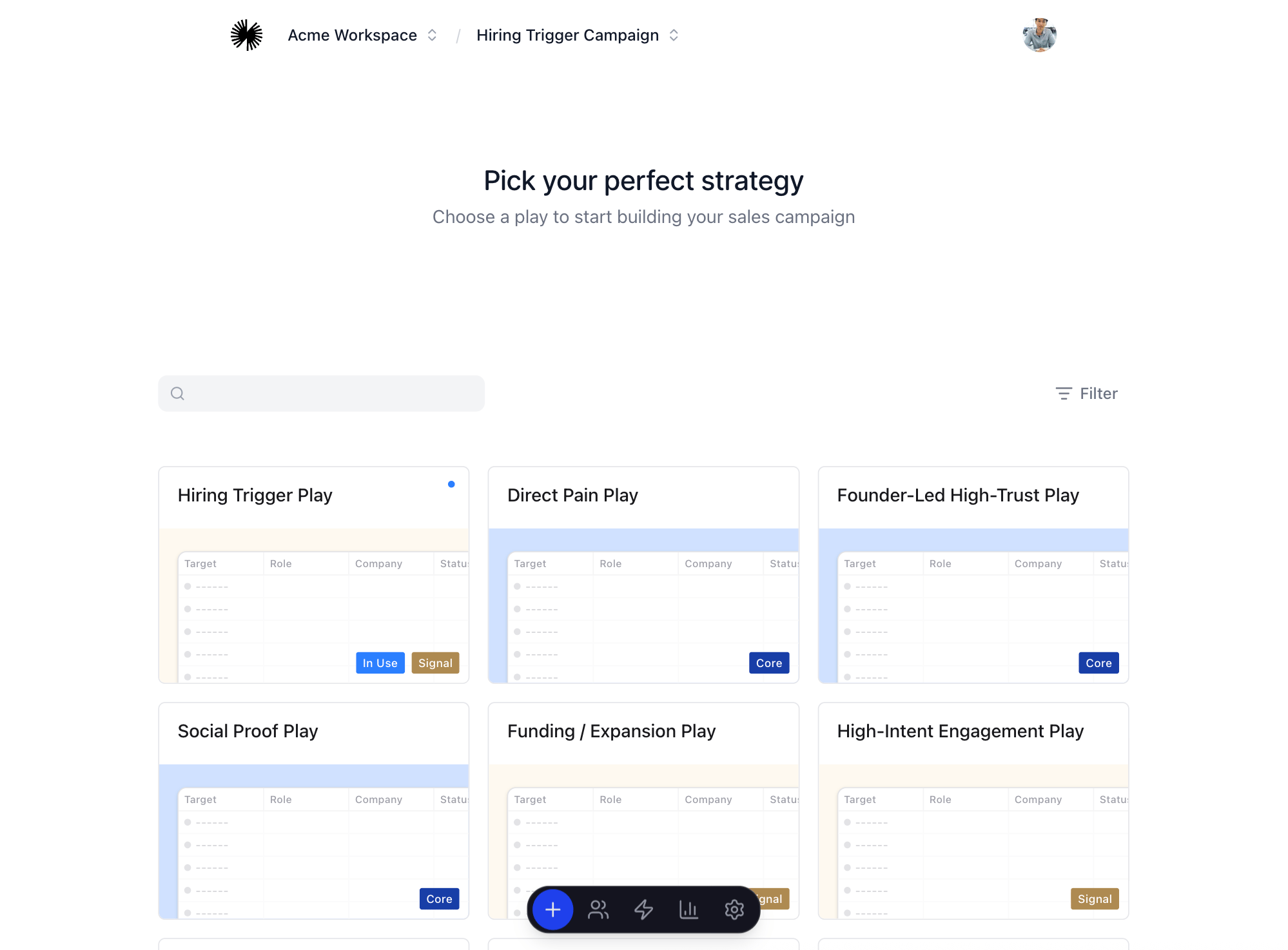
Play library selection

Before you continue

You are ready to find leads when the Run exists and the selected Play matches the audience and channel strategy you want to test.