
Documentation Index

Fetch the complete documentation index at: https://plera.co/docs/llms.txt

Use this file to discover all available pages before exploring further.

A strategy profile tells Plera how the outreach should sound and what the message should sell. It is reusable, but you can also edit the copied settings inside a sequence later.

Add the message context

  • Go to Settings -> Profiles.
  • Create a profile from the template closest to your motion.
  • Add the sender identity and company.
  • Define the value proposition, offer, proof point, and call to action.
  • Set it as the default if this is the profile you expect to use most often.
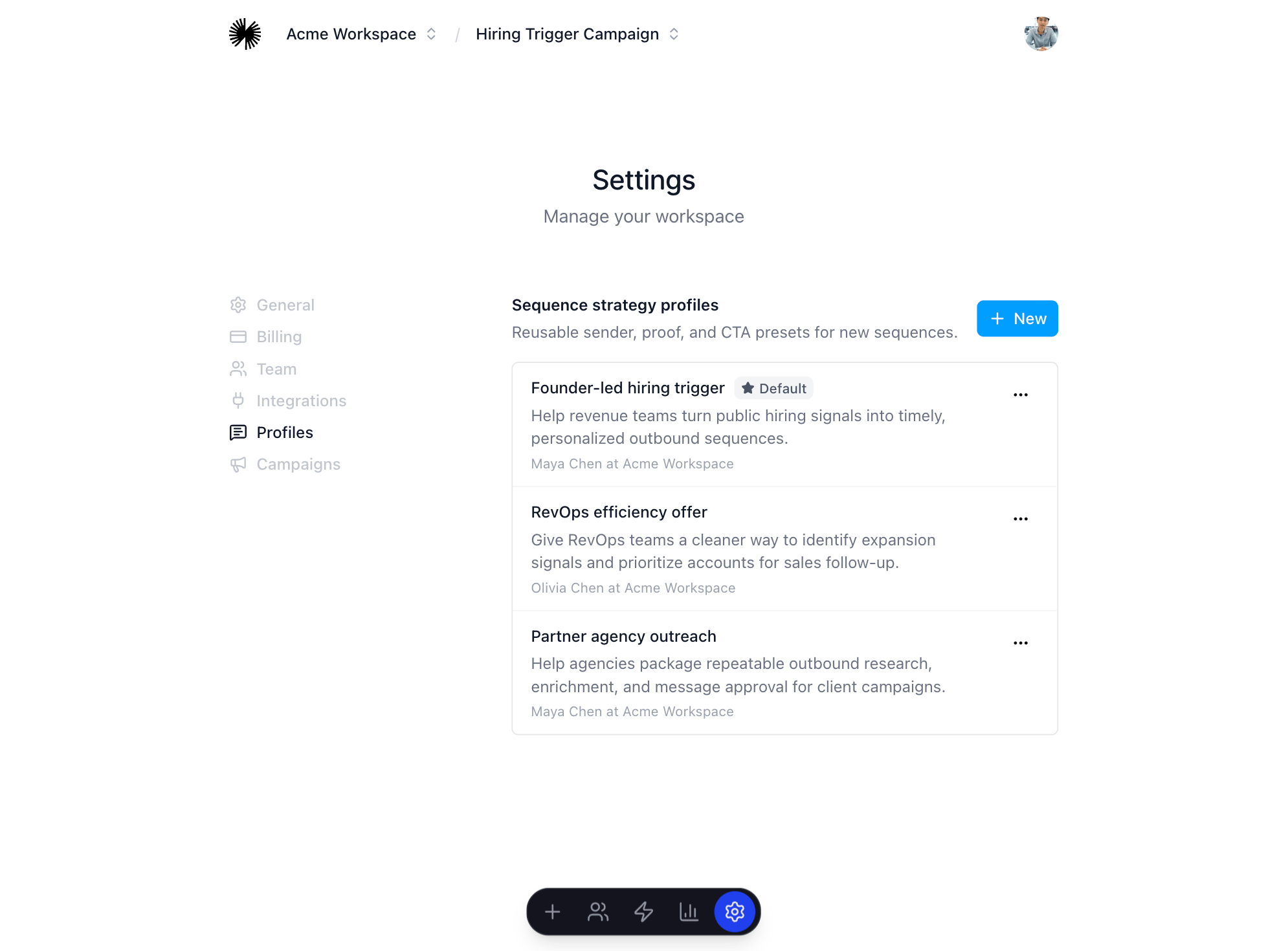
Placeholder for strategy profile setup

Before you continue

You are ready to build a sequence when the profile explains who is sending, what the offer is, why it is credible, and what the prospect should do next.